
Partial Payments on myNCDPS
Citations can be paid in full or in part on myNCDPS. As you go through the process of making your payment (see Pay a Citation on myNCDPS), you will be prompted to add the citation to your cart and checkout.
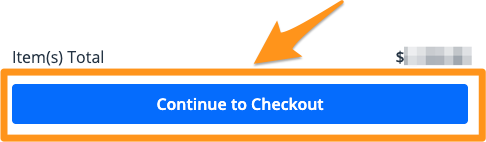
- Select Continue to Checkout
- Enter the partial payment amount in the "Payment Amount" field.
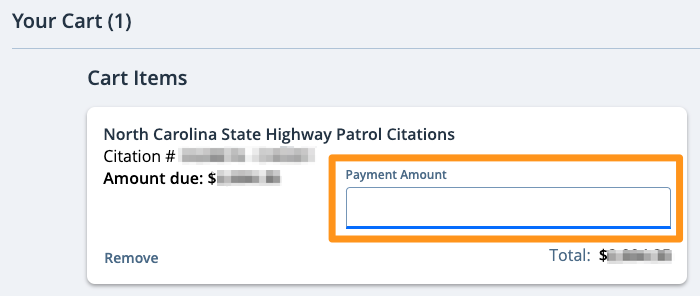
Note: Partial payments are not allowed for payment payoff balances
- Select a payment method or add a new payment method. Then click the blue Pay $--.--button to complete your payment.
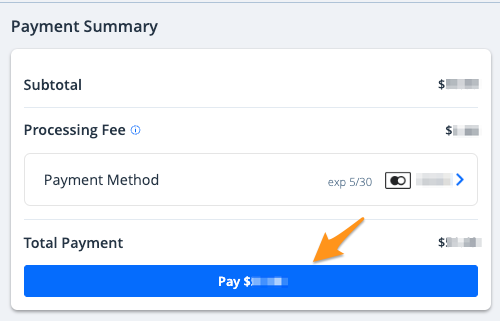
Note:If you have a stored payment method, it will automatically appear here. If you have not added a payment method before or are proceeding as a guest, select Choose Payment Methodto add a credit/debit card.
After completing your payment, you will receive an email confirmation. If you are signed in to a myNCDPS account, a receipt will also be stored in your profile (see Find a Receipt on myNCDPS)
.