
Pay Multiple Tax Citations at One Time on myNCDPS
After you add your citation to your myNCDPS profile, you can easily make payments for multiple citations at once (see Add a Citation on myNCDPS).
To pay several citations in one transaction follow the steps below:
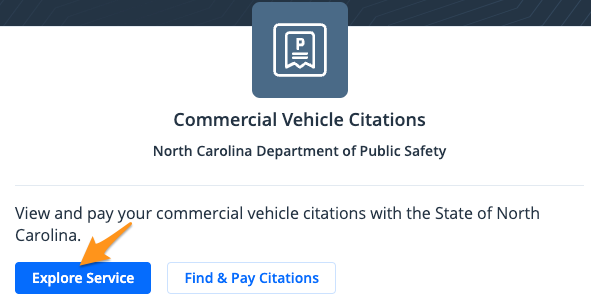
- Click Explore Service
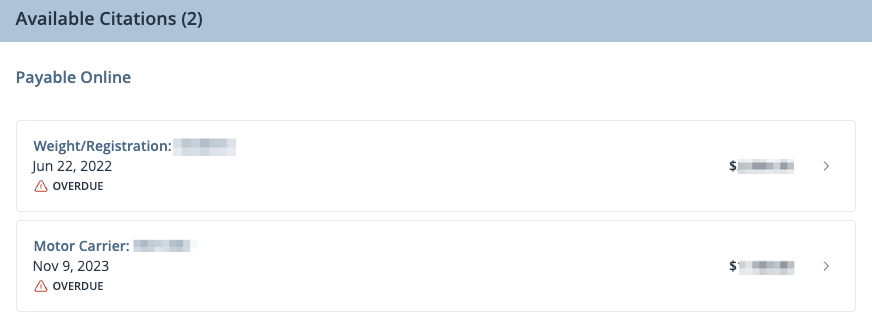
- Select the citation you wish to pay
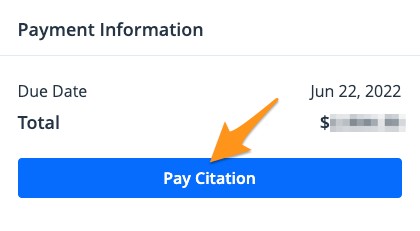
- Select Pay Citation
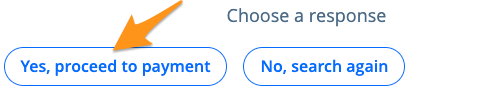
- Select Yes, proceed to payment
- Review your "Payment Summary". If everything looks correct click Add to cart.
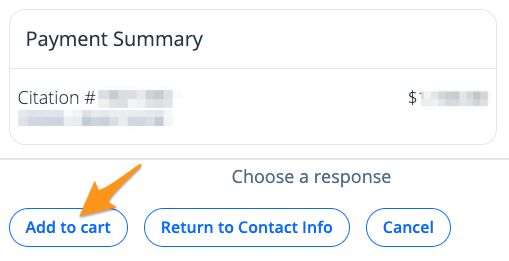
Note: If this is your first time submitting a payment on myNCDPS, you will be asked to submit "Contact Information" before adding the citation to your cart.
- In the top right corner, select Dashboard and repeat steps 1-5.

Once you have added all the citations to your cart, choose Continue to Checkout or select the cart icon in the top right corner to submit a payment (see Pay a Citation on myNCDPS).