
Add a Citation on myNCDPS
To add a citation to your profile visit myNCDPS and log in (see Create a Profile on myNCDPS). Then follow the directions below:
- Select Find & Pay Citations
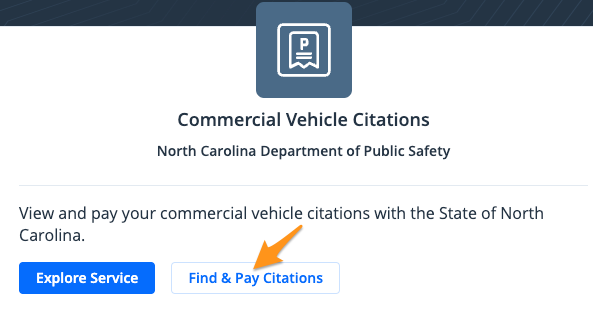
- Search by "License Plate #", "DOT #". "Control #", "Citation #", and "Name". Choose your response and enter the information for your citation. Then select Search.

- After your citation is located, verify that everything is correct, then select a payment method to use for your payment (see Pay a Citation on myNCDPS).
Your citation is now linked to your myNCDPSprofile and will appear on your dashboard after signing in.